 ronwidha
Enabling Windows Authentication on Windows 7 + IIS7
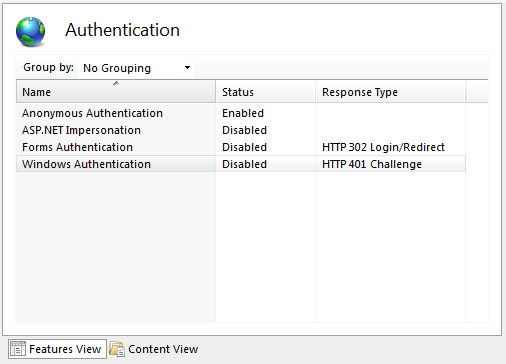
- Open an elevated command prompt
- Run ’˜pkgmgr.exe /iu:IIS-WindowsAuthentication'
There won't be any feedback as you run this. - Close IIS manager and re-open it. You should see it now.

Productivity addict. Gadgets to level up. Ex @amazon, @coinbase, host of temanmacet tech podcast. Living in NY. All postings are my own.